Show, don't just tell.
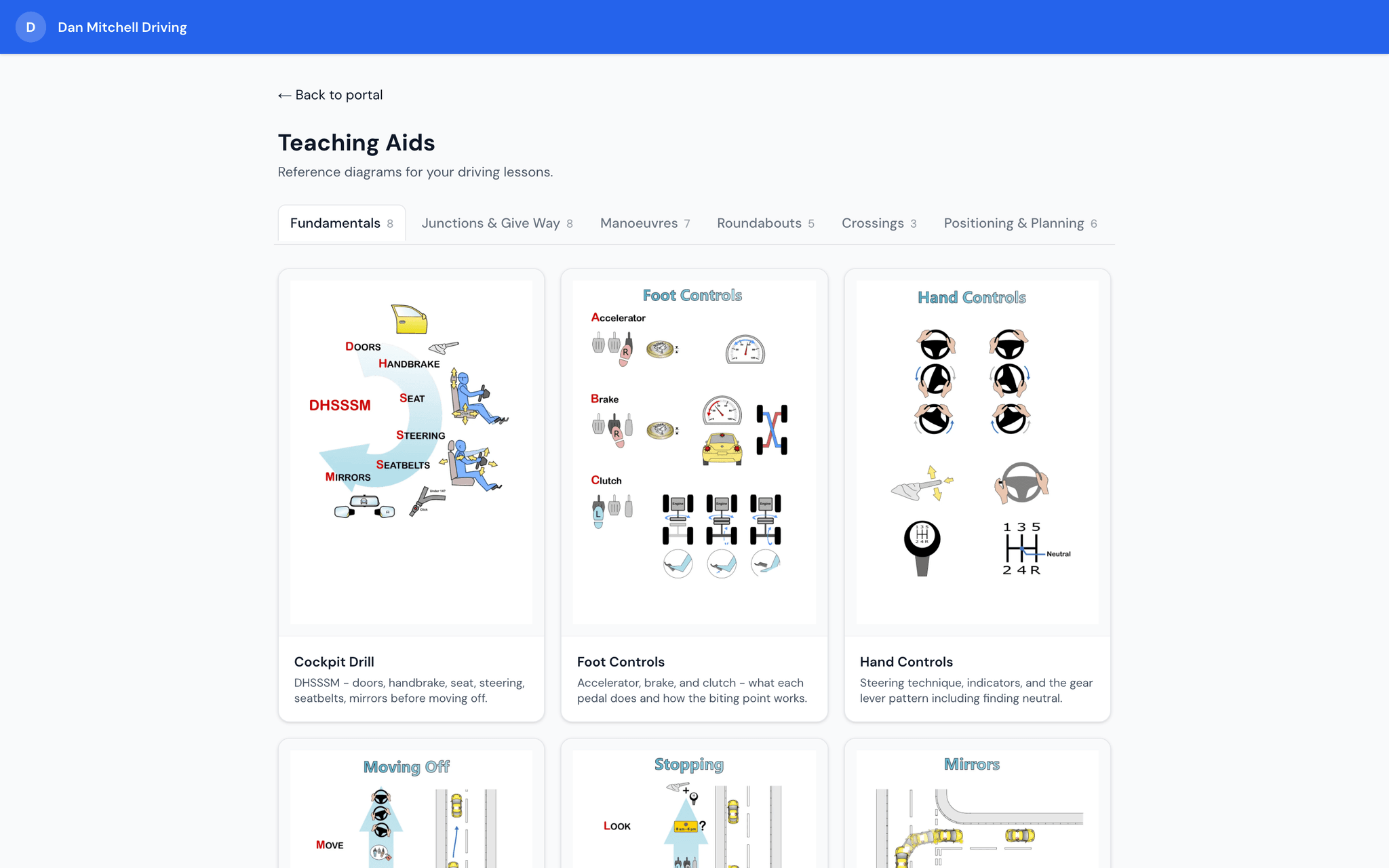
Draw the route on a road template and send it to your pupil, or pull up one of 30+ ready-made diagrams mid-lesson.
Key benefits
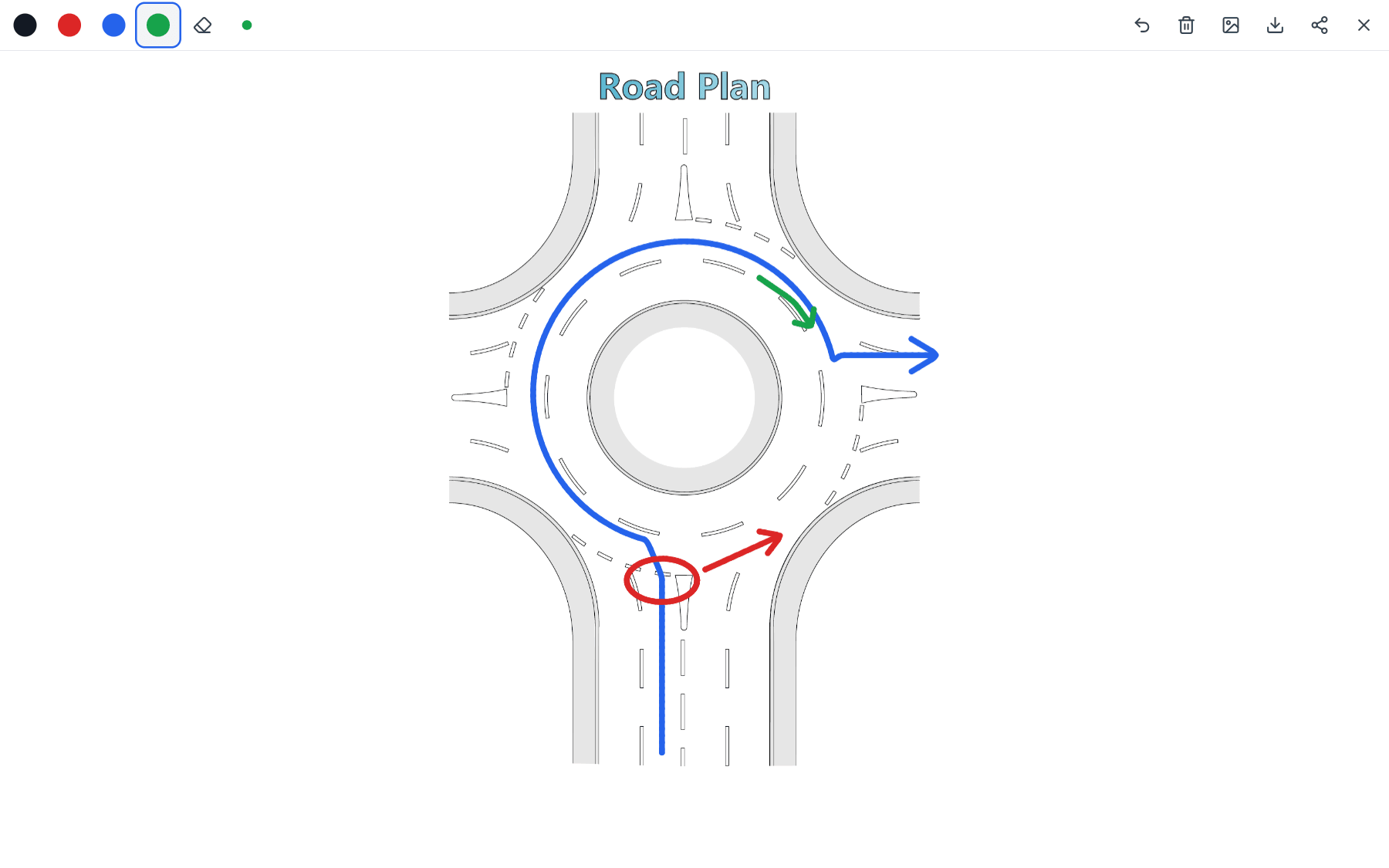
Draw your own diagrams
Roundabout, junction, dual carriageway and parking templates, or a blank page. Draw in 4 colours with your finger or an Apple Pencil.
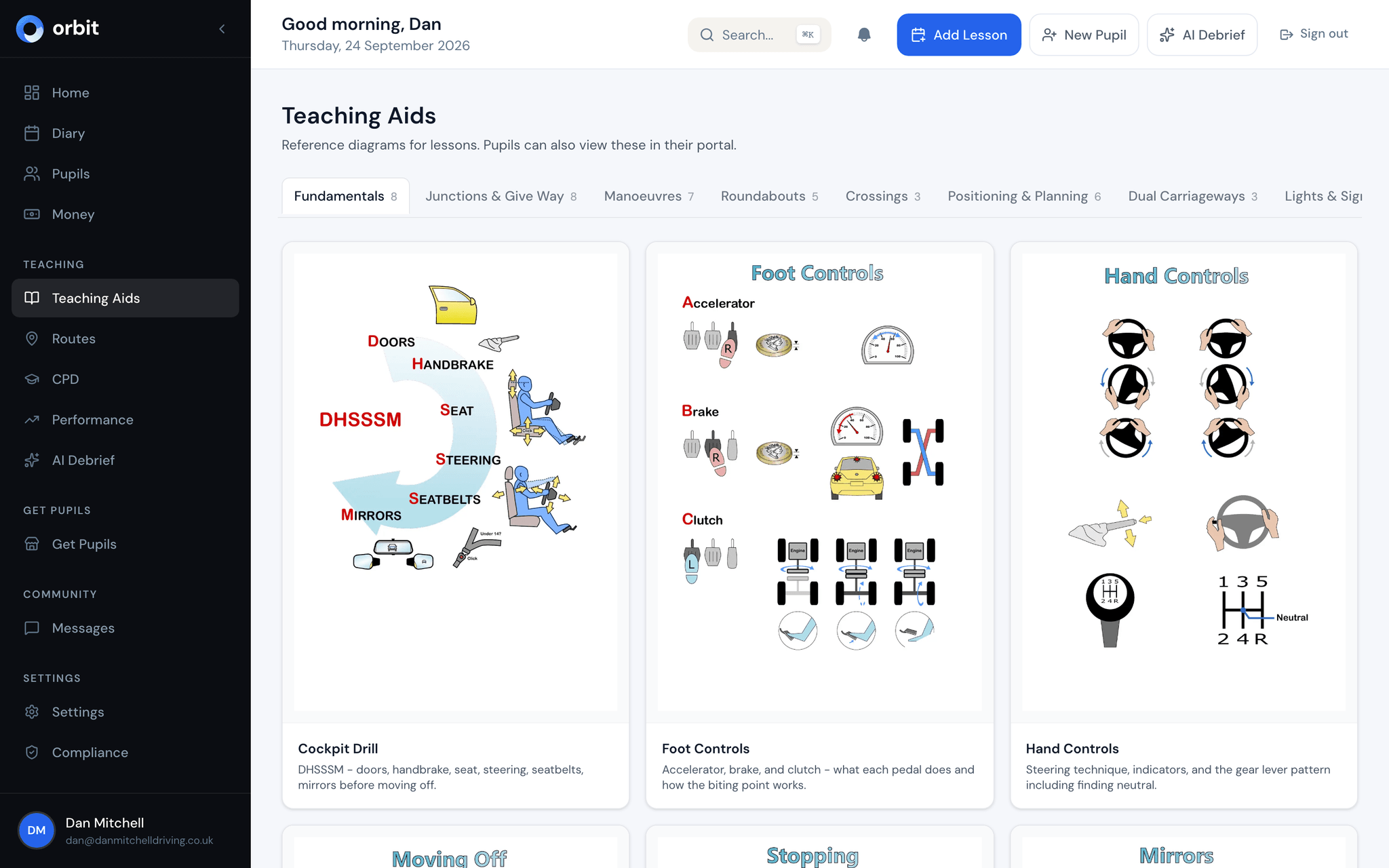
30+ professional diagrams
Every test manoeuvre, junction type, roundabout, crossing, and road scenario covered with clear, accurate SVG diagrams.
Bird's eye view with numbered steps
Top-down diagrams show exactly where to steer, check mirrors, and signal - broken into numbered steps pupils can follow.
Shareable with pupils
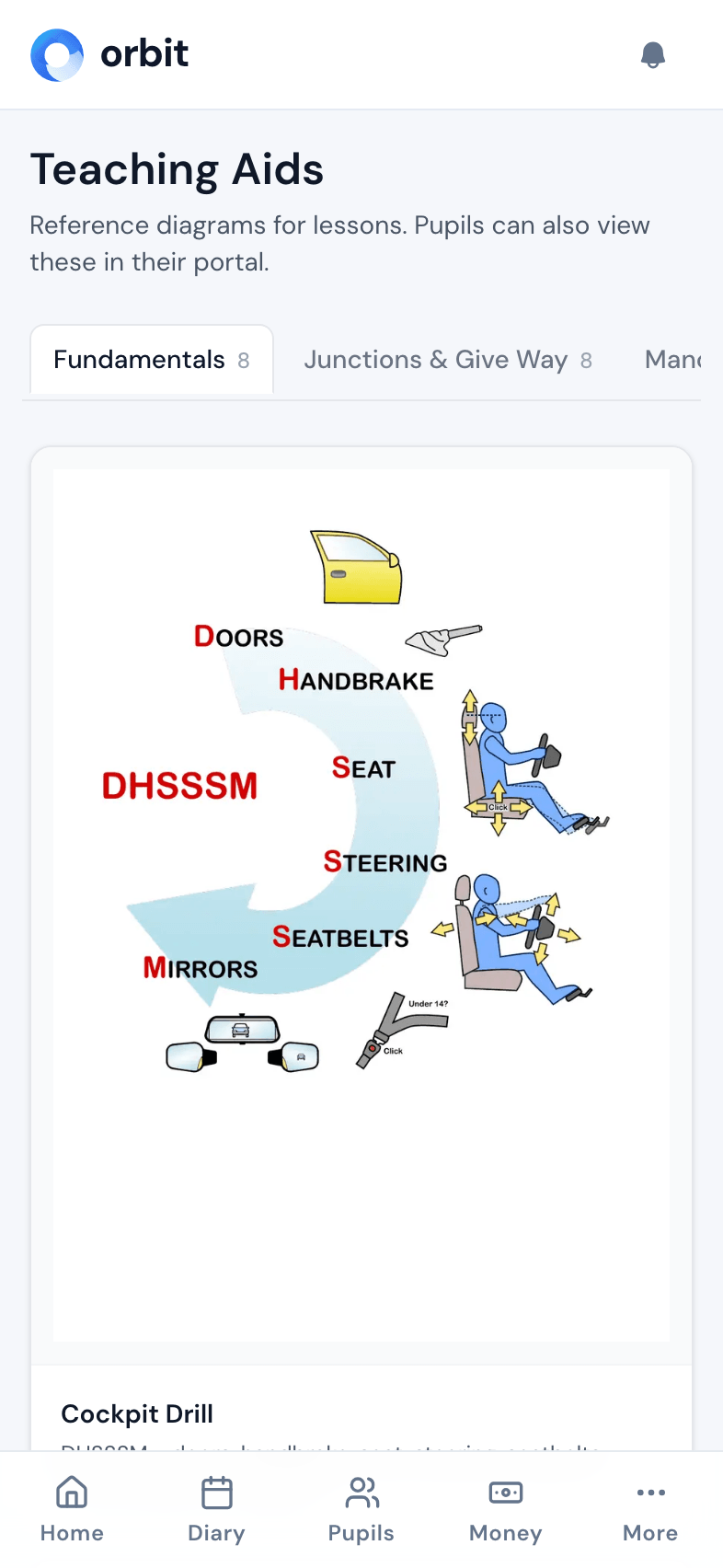
Pupils access the same diagrams in their portal, so they can study manoeuvres and road scenarios between lessons.
Sketch it on the spot, then send it
Some things click faster on paper than in words. Pull over, pick a road layout and draw exactly what you mean: the route in blue, the observation in red, the signal in green. Then share it straight to your pupil so they can go over it before the next lesson.
- 7 road templates: straight road, T-junction, crossroads, roundabout, dual carriageway, narrow road and bay parking
- 4 pen colours, 3 line thicknesses, eraser and undo
- Pressure sensitive with Apple Pencil and other styluses
- Share from your phone's share menu, or save it as an image
Every test manoeuvre, diagrammed step by step
Orbit's manoeuvre diagrams break down each test exercise into clear, numbered steps shown from a bird's eye view. Instead of explaining a parallel park with words alone, show your pupil exactly where to position the car, when to turn the wheel, and what reference points to use.
- Parallel park, forward and reverse bay park
- Pull up on the right and reverse two car lengths
- Reverse around a corner - left and right
- Turn in the road (three-point turn)
- Each diagram shows numbered steps, steering direction, and observation points
A diagram library for every road scenario
Beyond manoeuvres, Orbit covers the full range of road situations your pupils need to master. Roundabouts of every size, junction types, crossing rules, dual carriageway procedures, and traffic light sequences - all drawn to the same professional standard.
- Mini, single-lane, and multi-lane roundabouts with lane positioning
- T-junctions, crossroads, and staggered junctions
- Pelican, puffin, toucan, zebra, and pegasus crossings
- Dual carriageway joining, leaving, and overtaking
- Traffic light sequences and filter light rules
Pupils study between lessons, not just during them
Every diagram you show in the car is also available to your pupils in their own portal. After a tricky roundabout lesson, they can pull up the exact diagram at home and revise. This reinforces what you taught and means less time re-explaining in the next lesson.
- Pupils access teaching aids from their portal - phone, tablet, or laptop
- No app download needed - works in the browser
- Helps pupils prepare for their next lesson and retain what they've learned