Driving school management software built for UK multi-instructor schools
Orbit gives a school owner one portal for every instructor's diary, pupils and test results, from £8 per seat per month. Your instructors use the full Orbit app free, with their own booking page, card payments and business records.
Key benefits
Every instructor in one place
See each instructor linked to your school, their seat and when they were last active. Add instructors with licence keys and remove leavers from the instructor list.
Read-only diaries
Open any instructor's week and see each lesson with its status. You see the diary, the instructor stays in charge of it.
Pass rates by instructor
The school's practical test pass rate against the GB average, plus active pupils, lessons in the last 30 days and tests for each instructor.
Every learner on one list
Search pupils across the school with their instructor, next lesson, lessons completed, theory test status and practical test date.
Your school's branding
Your school name, logo and colour on each instructor's pupil portal, and on the page new instructors use to join you.
Free for your instructors
The school pays per seat. Instructors pay nothing for the app, and the booking fee on card bookings is paid by the learner.
What a UK school needs from driving school management software
A UK driving school is a group of ADIs and trainees, each with their own DVSA licence and often self-employed, filing their own tax. Driving school management software has to give the owner a clear view of the school without taking over each instructor's business. That is how Orbit is split: a school portal for you, and the full instructor app, free, for everyone who teaches under your name.
- Trainees whose licence names your school and who need supervised lessons or extra training
- Self-employed associates who keep their own records for HMRC
- Pass rates you can compare instructor by instructor
- Card payments that go to the instructor who taught the lesson
The rules your software has to fit
A trainee licence lasts 6 months and shows your school as the training establishment. Trainees can only teach from there, must advertise as a “trainee driving instructor” and give your school’s contact details. They need supervision on 20% of their lessons (ADI 21S) or at least 20 hours of extra training. GOV.UK trainee licence rules
Making Tax Digital for Income Tax started on 6 April 2026 for sole traders with qualifying income over £50,000 in 2024 to 2025. The threshold drops to £30,000 (2025 to 2026 income) from April 2027 and £20,000 (2026 to 2027 income) from April 2028. HMRC guidance on who needs MTD
Request a school demo (choose “Enterprise” as the subject).
One dashboard for every instructor's diary
The school portal is a separate login for you and your office team. It lists every instructor linked to your school, and you can open any of them to see their week, their pupils and how those pupils are getting on. It is read-only: lessons are booked and moved by the instructor in their own diary, so nobody in the office overwrites a lesson by mistake.
- Weekly diary for each instructor, with every lesson's status
- Pupil records with contact details, lesson rate, hours completed, cancellations, no-shows and DVSA syllabus progress
- School pass rate against the GB average, a 12-month test trend and a table by instructor
- How many pupils have uploaded their provisional licence
- A learner list across the school, filtered by status and searchable by name
Pupil allocation, waiting lists and enquiries
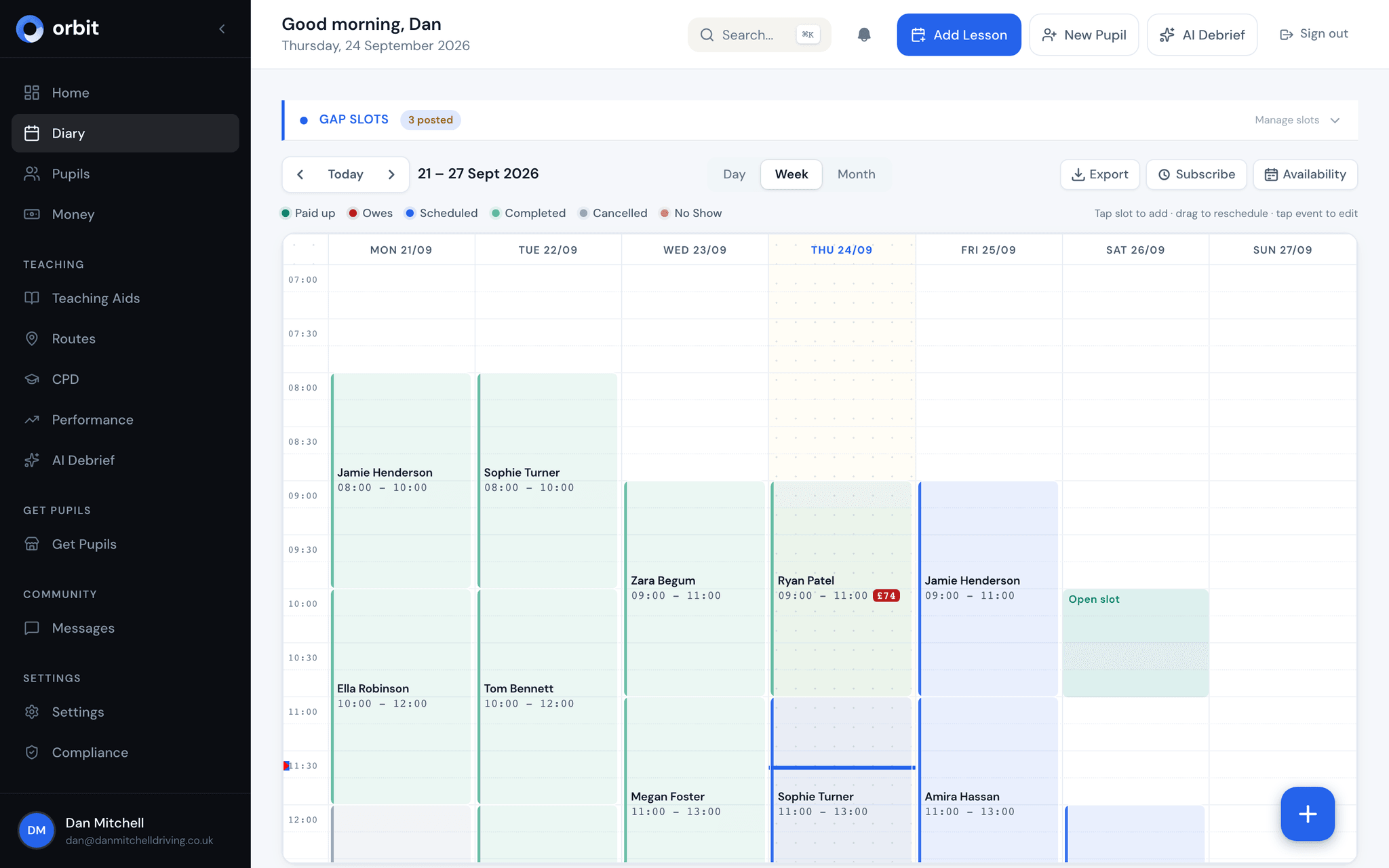
Each instructor runs their own enquiries and waiting list in the app. Enquiries move from new to contacted to closed, and convert into a pupil in one step. When a diary is full, learners join the waiting list from the instructor's booking page, and the first person on it is emailed when a pupil cancels through their portal. If your office allocates learners centrally, the school hub connects Orbit to your own CRM: the CRM offers learners to instructors, instructors say how many new learners they need and accept or decline each offer, and the portal shows supply against demand for each instructor.
- Enquiries list for each instructor, from first contact to pupil
- Waiting list on every instructor's booking page
- School hub, switched on by Orbit on request: CRM webhooks, learner offers and learner requests
- Turn off the pupil marketplace and lead credits if the school hands out every enquiry itself
School-branded pupil portal and card payments
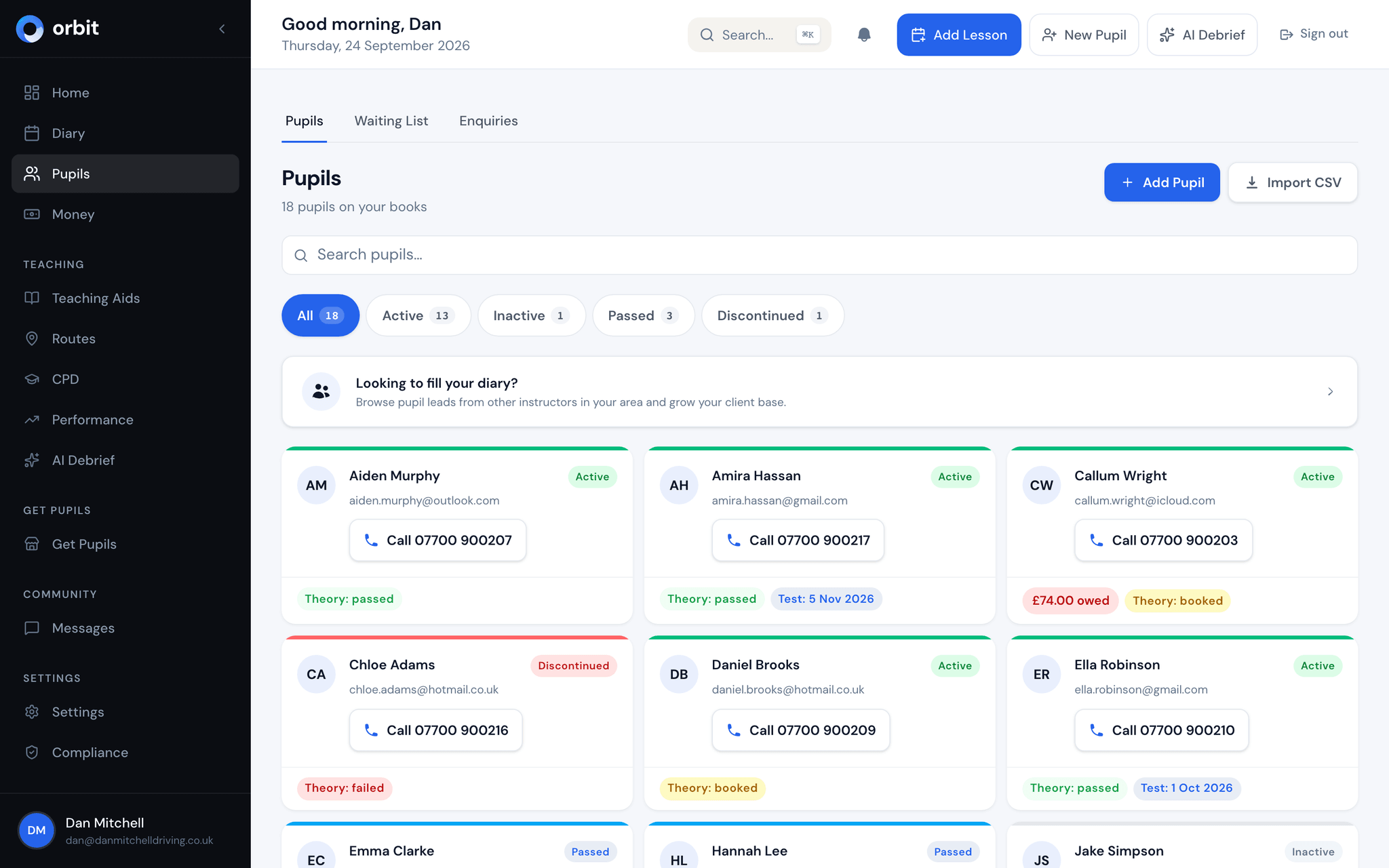
Each instructor keeps a personal booking page. On their pupil portal, where learners see their lessons, pay and follow their progress, your school's name, logo and colour replace the instructor's. Card payments go into the instructor's own Stripe account, so the money for a lesson lands with the person who taught it. Online bookings are paid by card at checkout, and learners pay a booking fee of the greater of £2.99 or 4% of the lesson price, added on top of the instructor's price.
- School name, logo and colour on every member instructor's pupil portal
- A school-branded join page for recruiting instructors
- Card payment at the point of booking
- Email reminders before each lesson, plus push notifications for pupils who switch them on
Instructors keep their own business records
If your instructors are self-employed associates, their income, expenses and tax belong to them. The school portal has no view of an instructor's earnings, expenses, mileage or tax records. In their own app, each instructor tracks income, expenses and mileage, and Orbit's Making Tax Digital feature is built on HMRC's MTD for Income Tax API and completing HMRC's software recognition process; live submissions open once HMRC approves it.
- No school access to instructor earnings, expenses, mileage or tax
- The lesson rate does show on each pupil record
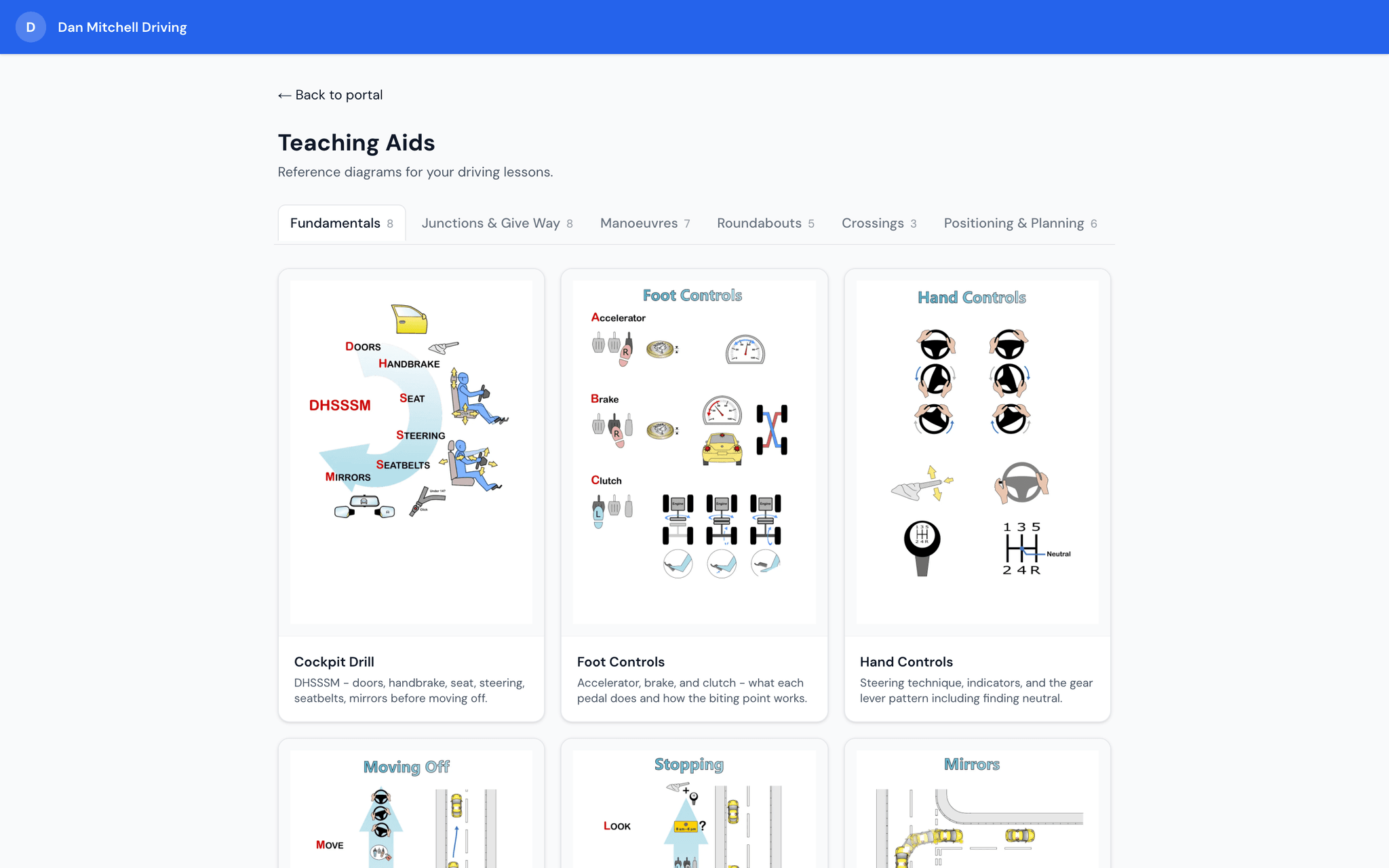
- Simple Diary Mode, a school-wide setting, cuts the app down to diary, pupils, money, teaching aids, messages and settings if your instructors don't need the business tools
Pricing for schools, free for instructors
School accounts start at £8 per seat per month. A seat is one instructor linked to your school: it is added when an instructor joins with your licence key and dropped when you remove them. Stripe sends the school a monthly invoice with 30 days to pay, or we can bill you by bank transfer under an agreement with Orbit. Instructors pay nothing for the app. Orbit's income from lessons is the learner booking fee on card payments.
- From £8 per seat per month
- Seats follow your licence keys: a join adds one, a removal drops one
- Monthly invoice with 30 days to pay, or bank transfer by agreement
- Free app for every instructor and trainee in the school
School pricing at a glance
From £8 per seat per month. Running more than 3 instructors? Ask us for a quote.
Moving a school onto Orbit
We set up your school account, branding and portal logins. You then create a licence key for each instructor and share your school's join link. Each instructor creates a free Orbit account from that link, the key ties them to your school, and they bring their pupils across from a CSV file.
- We open your school account, set your branding and create portal logins
- You generate a licence key per instructor and send the join link
- Each instructor signs up free and the key links them to your school
- Instructors import pupils and lessons from CSV, with Total Drive export columns recognised automatically
- If you run a CRM, we switch on the school hub and you add your CRM's webhook address in the portal
Ready to move your school?
Tell us how many instructors you have and what you use today. Request a school demo.
Planning to take on more instructors first? Read our guide to growing a driving school.