Driving instructor software
Less admin.
More living.
The free app for driving instructors: diary, online booking, card payments and reminders.
Free for you. Learners pay a small booking fee only when they pay by card through Orbit.
 iPhone app coming soon
Orbit was DrivePro. Already have an account? Log in
How Orbit is free
You pay nothing: no subscription, no contract, no card needed. Learners pay a booking fee on top of your price, only when they pay by card through Orbit.
- Your lesson price
- £40.00
- Booking fee, paid by the learner
- £2.99
- Learner pays
- £42.99
- You receive
- £40.00
The fee is £2.99 or 4% of the price, whichever is more, and the learner sees it before paying.
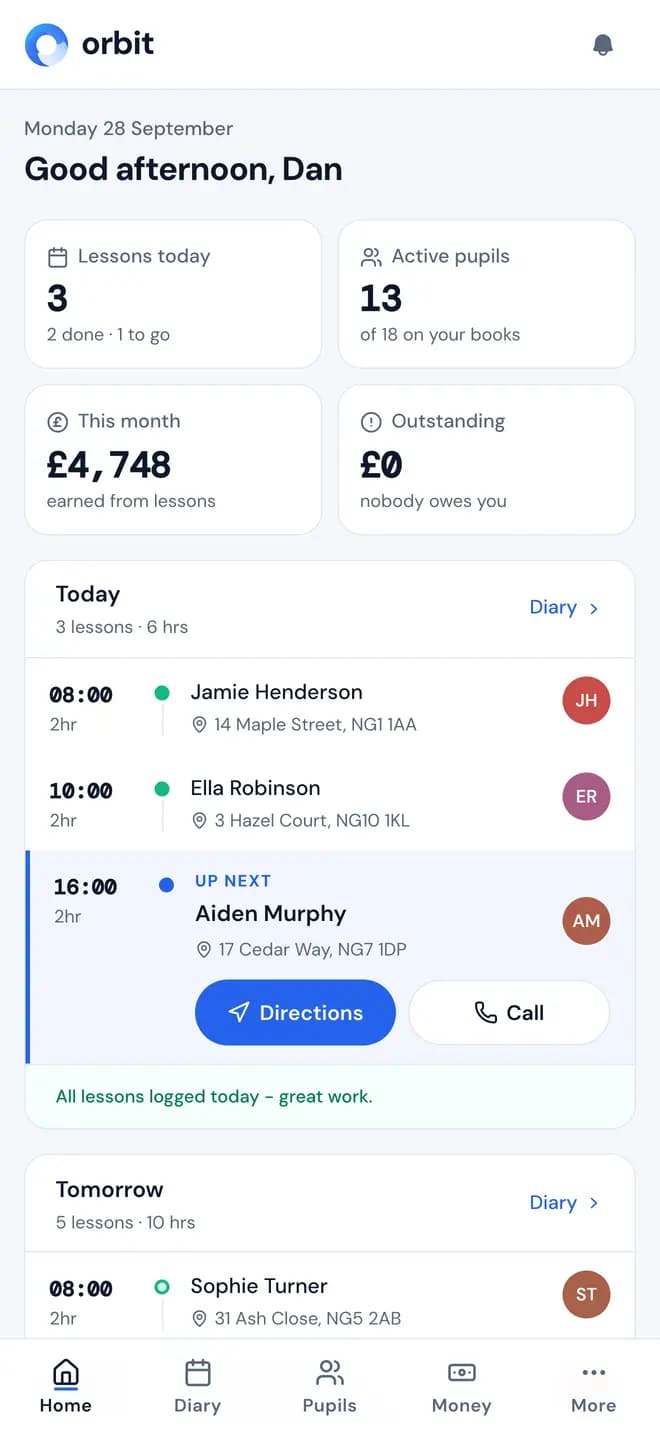
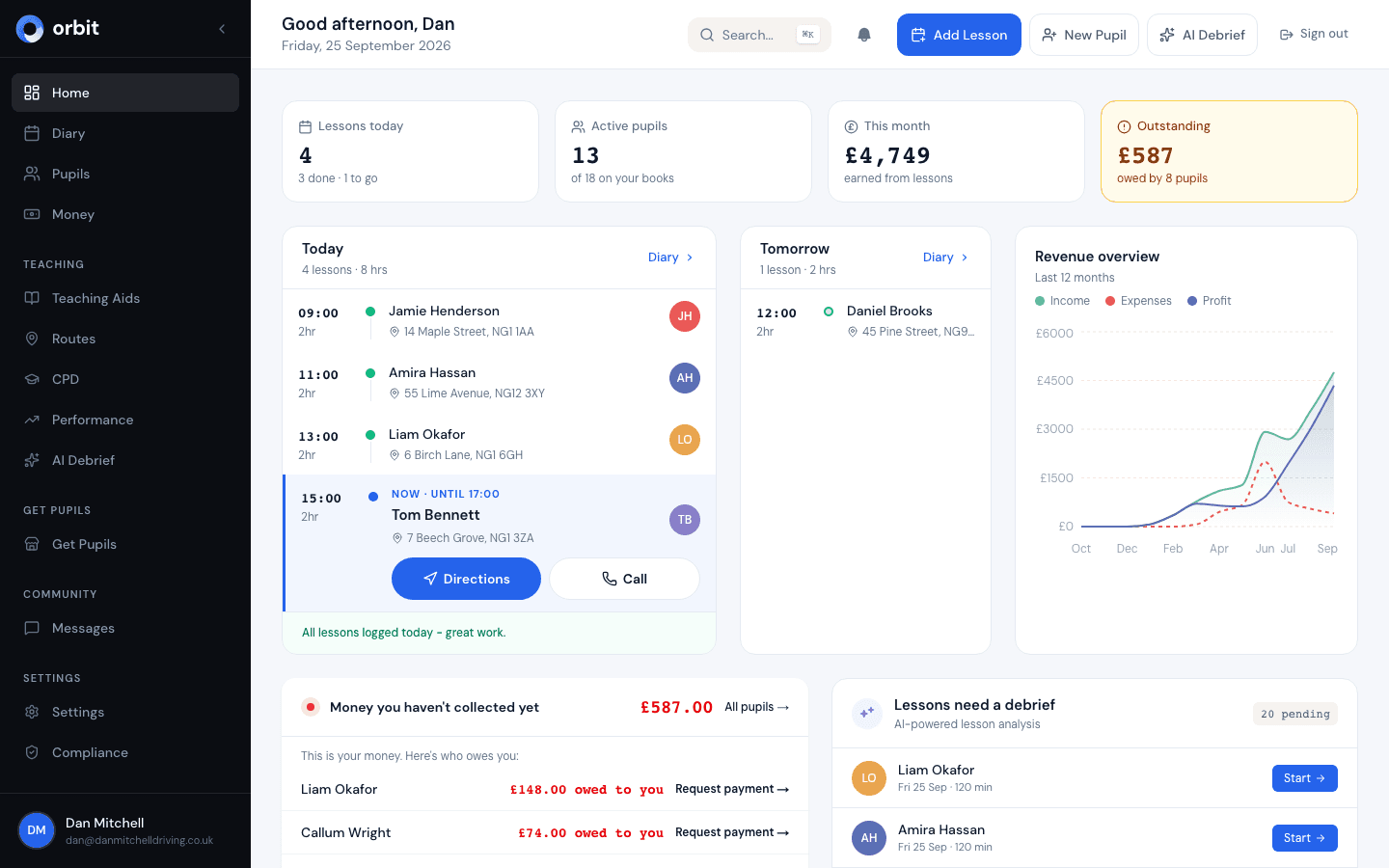
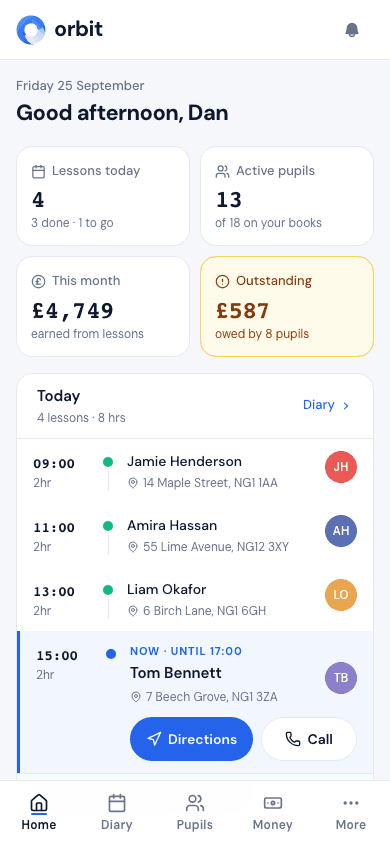
Diary, bookings, payments and reminders in one app
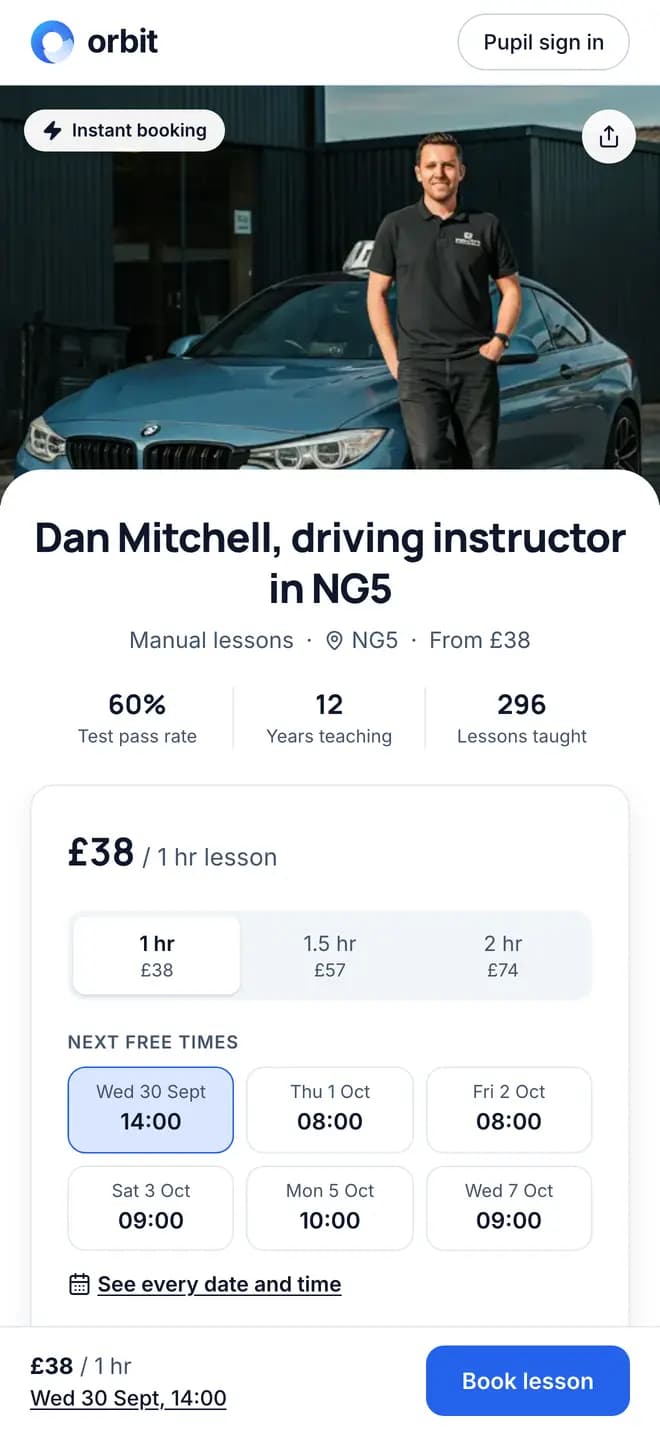
Get paid when they book
Pupils pick a slot from your booking link and pay by card to confirm it. The money goes to your bank through Stripe.

Reminders go out on their own
Pupils get a reminder a day before and two hours before every lesson. You don't send a thing.
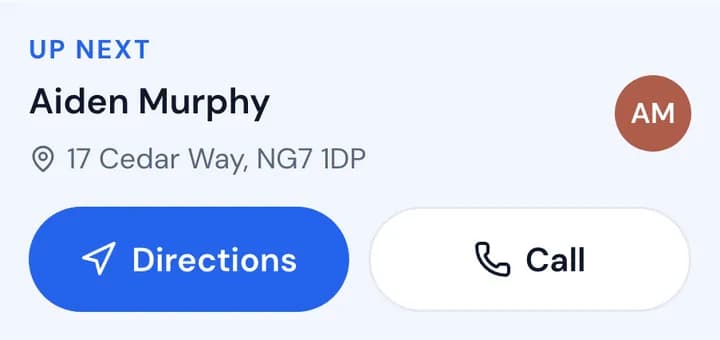
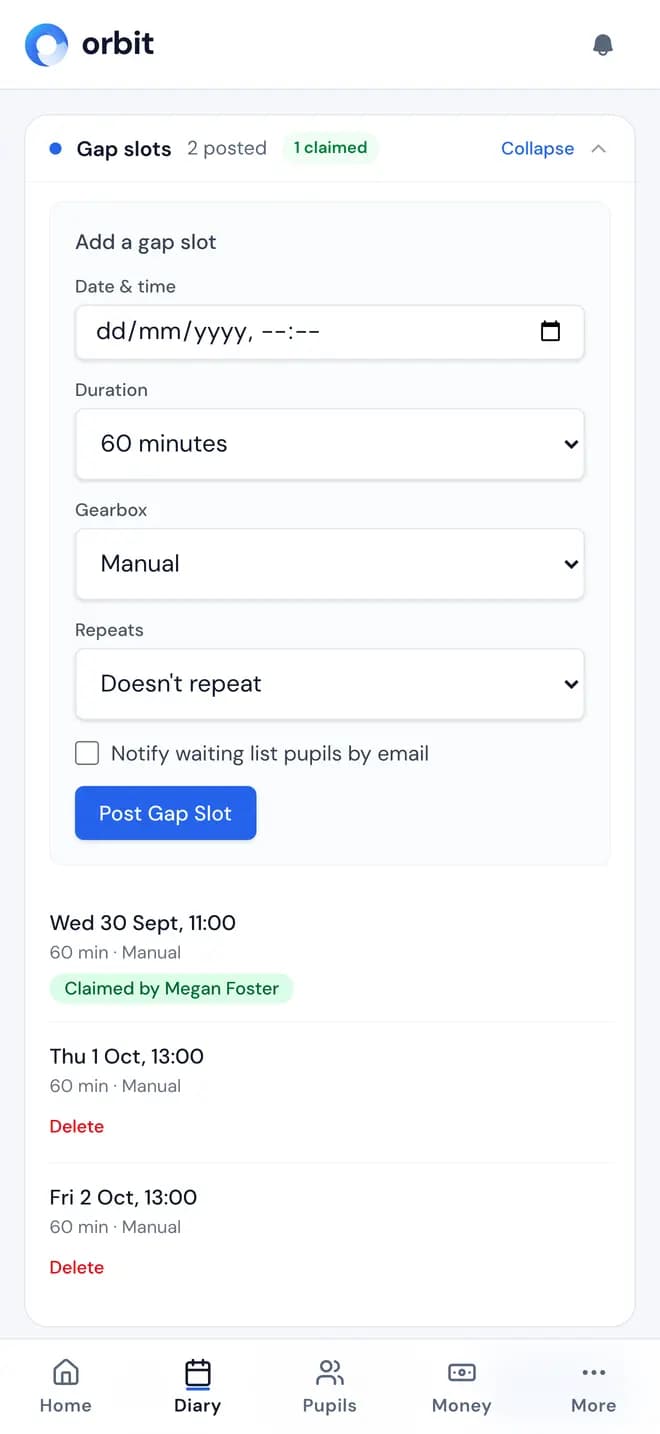
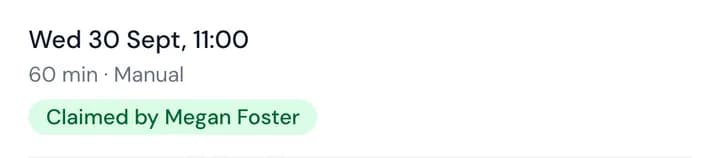
Fill cancelled slots from your waiting list
Post the free slot and Orbit emails your waiting list. The first pupil to claim it gets the lesson.
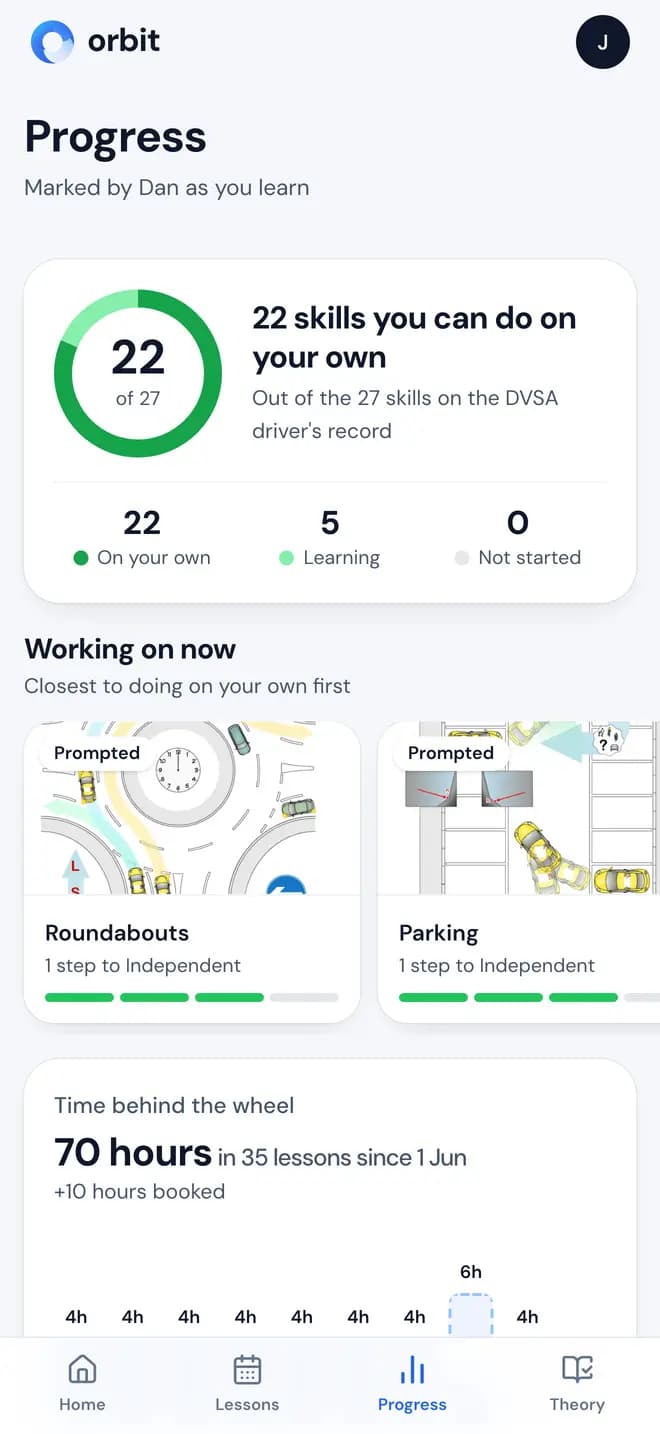
Pupils see their own progress
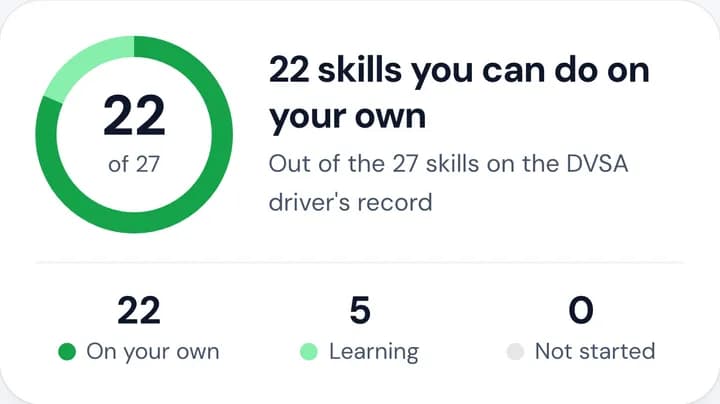
Mark skills as you teach. Pupils see which of the 27 skills on the DVSA driver's record they can do on their own.
Expenses, mileage and tax records built in
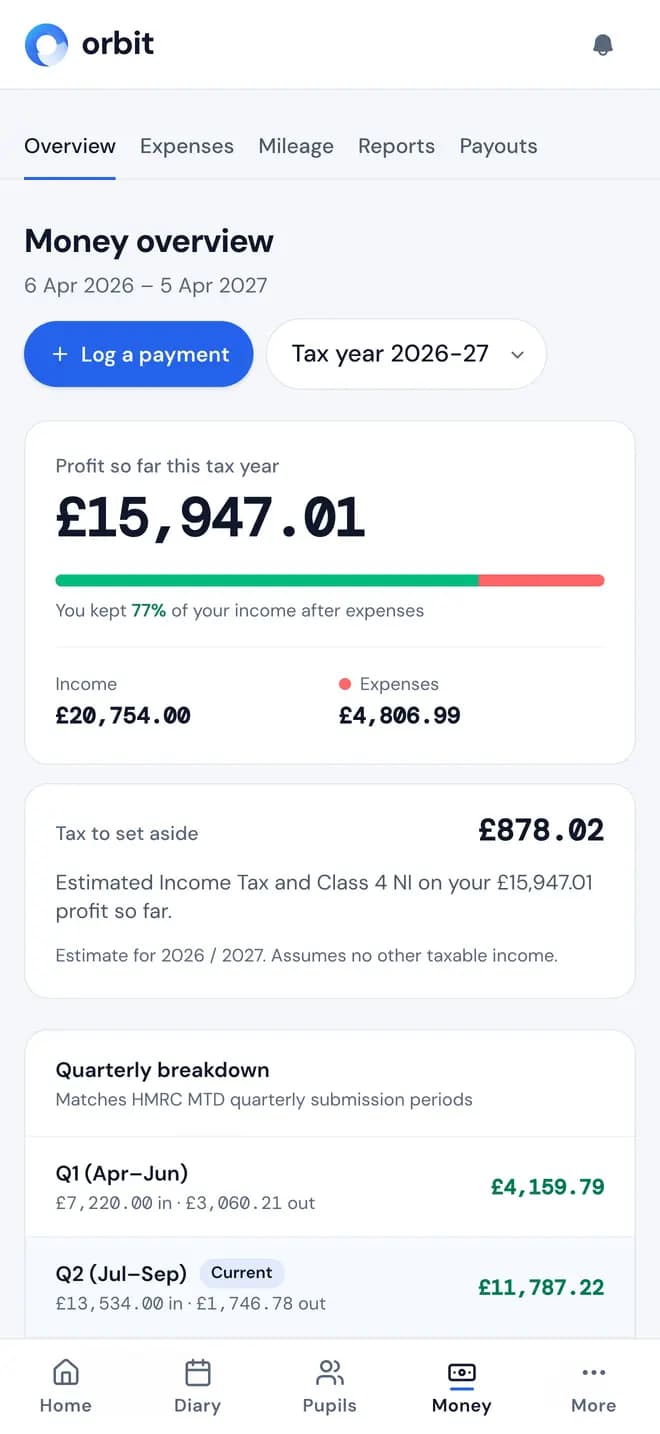
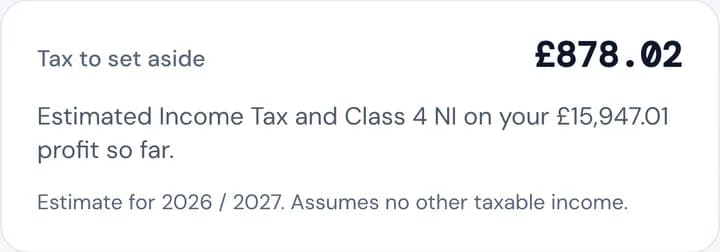
Log expenses and mileage as you go, and see your profit and the tax to set aside. Making Tax Digital submission is coming once HMRC approves Orbit.
Switching from another app?
Import your pupils and their lesson history from a CSV: a Total Drive export or any spreadsheet. Then share your new booking link.
Your Tuesday, before and after Orbit
- 7:00am
Without Orbit: Text today's pupils to check they're still on.
With Orbit: Reminders went out a day before each lesson. Nothing to send.
- 1:00pm
Without Orbit: Chase last week's lesson money by bank transfer.
With Orbit: Online bookings were paid by card when they were made.
- 10:00pm
Without Orbit: Find someone for tomorrow's cancelled 9am.
With Orbit: A pupil on your waiting list already claimed it. The evening is yours.
Who's behind Orbit
Orbit is built and run by DriveTech Group Limited, a UK company with its registered office in York. We work directly with practising driving instructors on what goes in next.
- The company
- DriveTech Group Limited, registered in England and Wales, company number 17289782.
- Your money
- Card payments run through Stripe and are paid out to your own bank account.
- Your data
- Stored with AWS in Ireland. We're registered with the ICO under UK GDPR, and we never sell your data.
Free for instructors. Fair for learners.
You pay
£0
No subscription, contract or card. Every feature included.
Learners pay, only on card payments through Orbit
£2.99or 4% of the lesson, whichever is more
£40 lesson: £2.99 · £200 lesson block: £8.00, added on top of your price.
Questions instructors ask
New here? Read what is Orbit (formerly DrivePro), see the driving instructor app in detail, or the driving school software for multi-instructor schools. Learning to drive? Find local driving instructors near you, look up your driving test centre or practise the show me tell me questions.