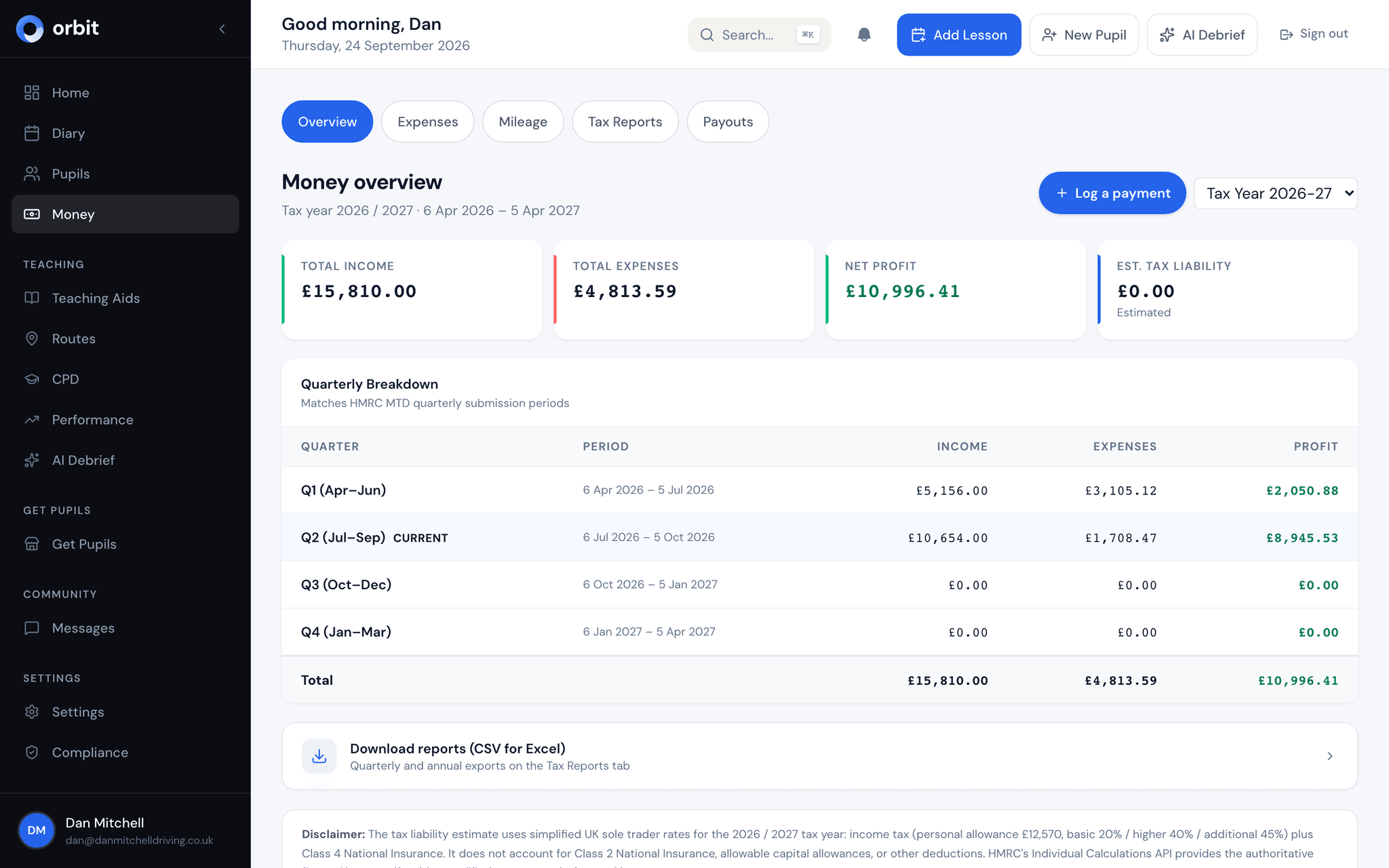
Get paid before the engine starts.
Connect your own Stripe account in Orbit and pupils pay by card when they book on your booking page or from their pupil portal. The money lands in your Stripe account and Stripe pays it into your bank. Orbit is free for instructors: the learner pays a booking fee on top of your price.
Card payments on Orbit: the facts
As of 14 October 2026.
| Cost to you | Free. No subscription, and nothing comes off your lesson price apart from the marketplace fee below |
|---|---|
| Learner booking fee | £2.99 or 4% of the payment, whichever is greater, added on top of your price |
| Examples | £40 lesson: learner pays £42.99. £400 block: learner pays £416.00 |
| Where the money goes | Your own Stripe account, then Stripe pays it into your bank on its payout schedule |
| Stripe processing fees | Billed to Orbit, not to you |
| No booking fee on | Cash or bank transfer you record, lessons taken from an already-paid block, cancellation fees |
| Marketplace pupils | A one-off £30 when a new pupil books you through Orbit's instructor search, taken from their first payment |
How pupils book and pay is on the online booking page. For what other apps charge, see our driving instructor app comparison, and for late cancellations, the no-show playbook.
Key benefits
Pay at booking
Pupils pay by card when they book their lesson. No more chasing cash, no more lesson arrears, no more awkward conversations.
Your own Stripe account
Every instructor connects their own Stripe account at onboarding. Payouts go from Stripe to your bank account. Orbit never holds your lesson money.
No card fee on your price
Stripe's card processing fees are billed to Orbit, not to you. The learner pays the booking fee on top of your lesson price.
Automatic payouts
Stripe pays card payments into your own bank account automatically. No chasing pupils, no cash to bank.
Automatic cancellation fees
When a pupil cancels inside your notice window, the fee is charged to the card they saved with you, or taken from their prepaid block if you choose. Neither? The fee is flagged as owed on your dashboard so you can chase it.
Payment tracking & reporting
See every pupil's balance, payment history, and outstanding amount in one place. All payments auto-feed your tax return.
Pay at booking. Zero lesson arrears.
When a pupil books a lesson through your Orbit booking page, they pay upfront by card. The lesson is only confirmed once payment is taken. No more turning up to a lesson wondering if you'll get paid.
- Card payment taken at the point of booking
- Lesson only confirmed after successful payment
- Pupils can pay for blocks of lessons in advance
- Hourly rates, for you or per pupil, scale with the lesson's length; lesson types can have a fixed price
- Supports all major debit and credit cards
- Secure Stripe checkout - PCI compliant, no card data touches your device
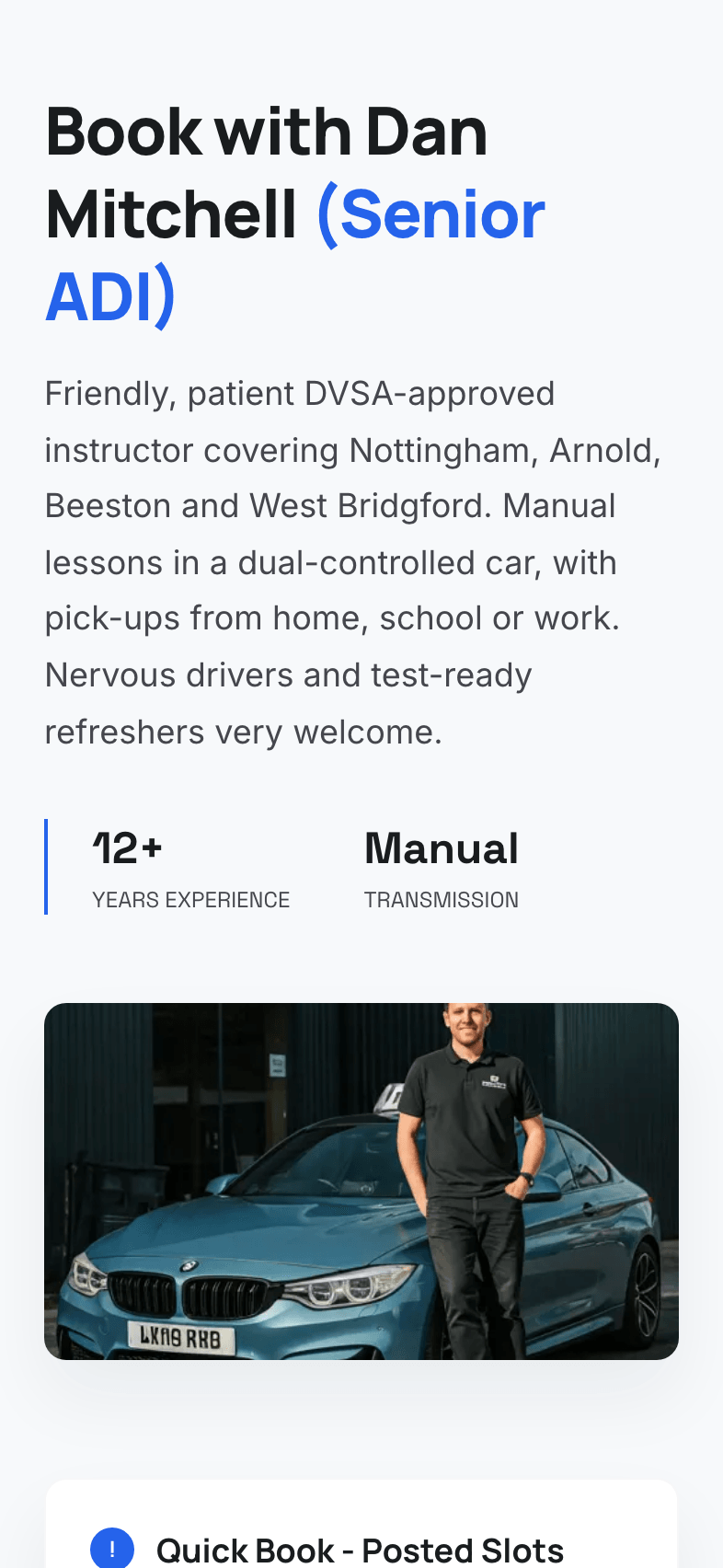
Cancellation fees that enforce themselves.
Set your cancellation policy - choose your notice period and a flat fee, or leave the fee blank to charge the lesson rate. If a pupil cancels inside the window, the fee is charged to the card they saved with you. You don't need to send an awkward text or write off the income.
- You set the notice window in hours (48 by default)
- You set a flat fee, or charge the lesson rate
- Charged automatically when a pupil cancels late
- Pupils see the notice window and fee before they confirm a cancellation
- Or take the fee from the pupil's prepaid block instead, if you choose
- No saved card or block? The fee is flagged as owed on your dashboard
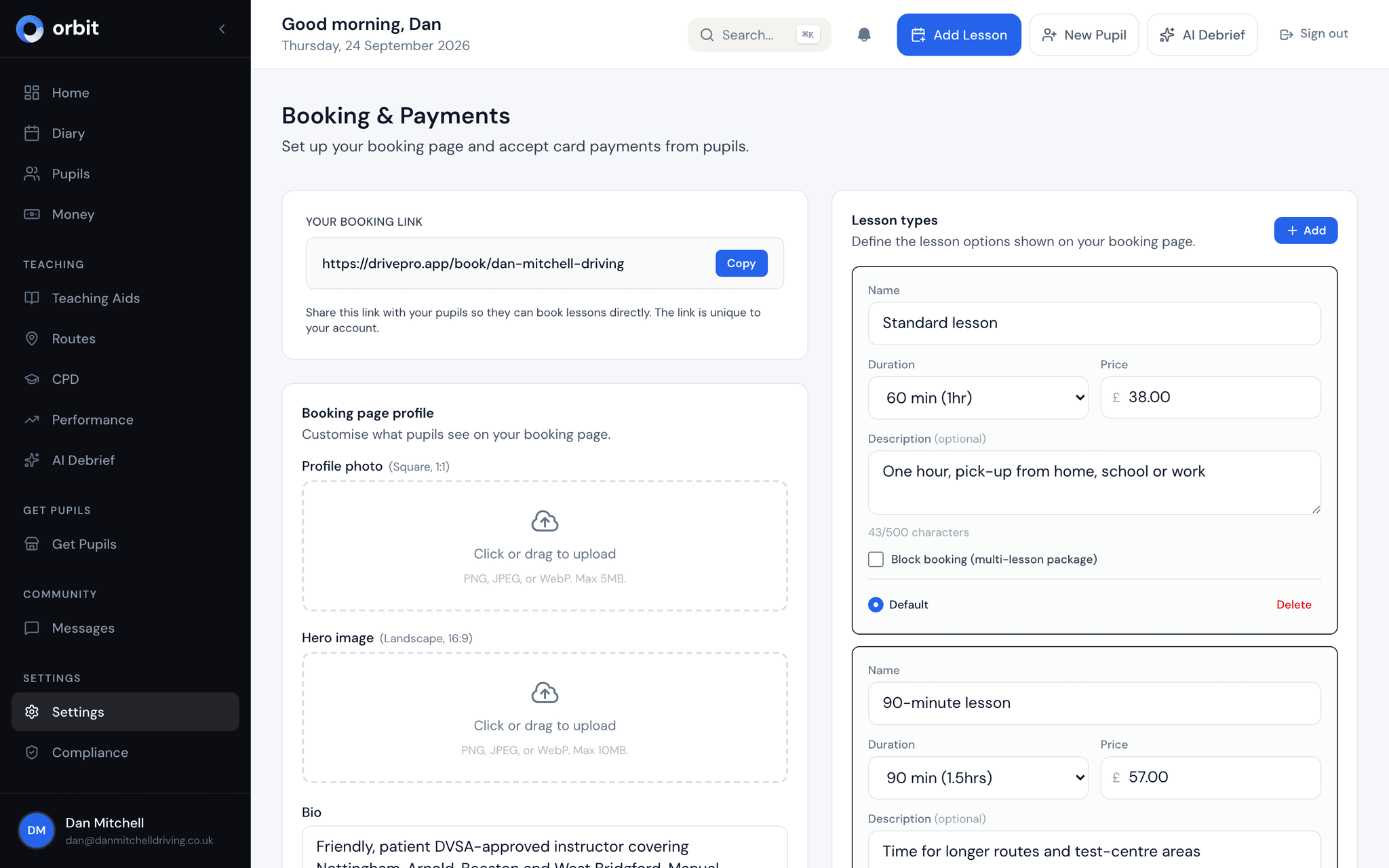
Prepaid blocks that keep count.
Record a block of lessons for a pupil and Orbit deducts each lesson as it is taught. Add bonus free lessons to a block if you offer them. The pupil sees their balance in their portal, and you get a push notification and an email when a block is down to its last lesson.
- Blocks with optional bonus free lessons
- Lessons deducted from the block as they happen
- Pupil sees lessons left and their value in the portal
- Last-lesson alert so you can sell the next block
- Mark all of a pupil's unpaid lessons as paid in one go
Card payments that feed straight into your accounts.
Pay-at-booking cuts lesson arrears and unpaid cancellations. Every card payment lands in your own Stripe account, Stripe pays out to your bank automatically, and every transaction is recorded in Orbit for your tax figures. You spend no time reconciling payments against your diary.
- Pay-at-booking: pupils can't book online without paying
- Stripe Connect: each instructor holds their own Stripe account
- Stripe pays out to your bank on its standard schedule
- Every payment shown in your Stripe dashboard
- All payments recorded in your income for Making Tax Digital