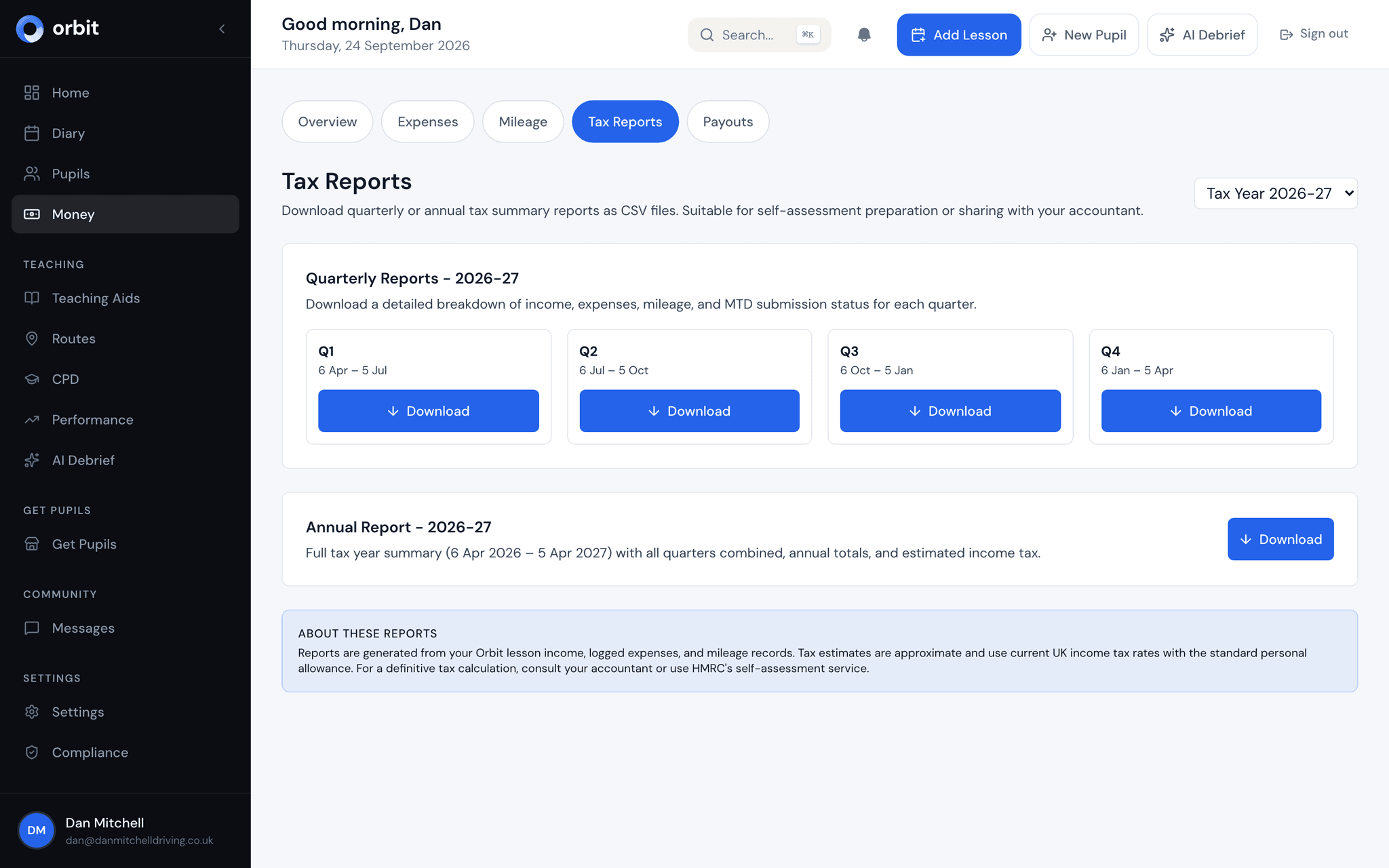
Your books, done.
Automatic income tracking. Simple expense logging. No spreadsheets.
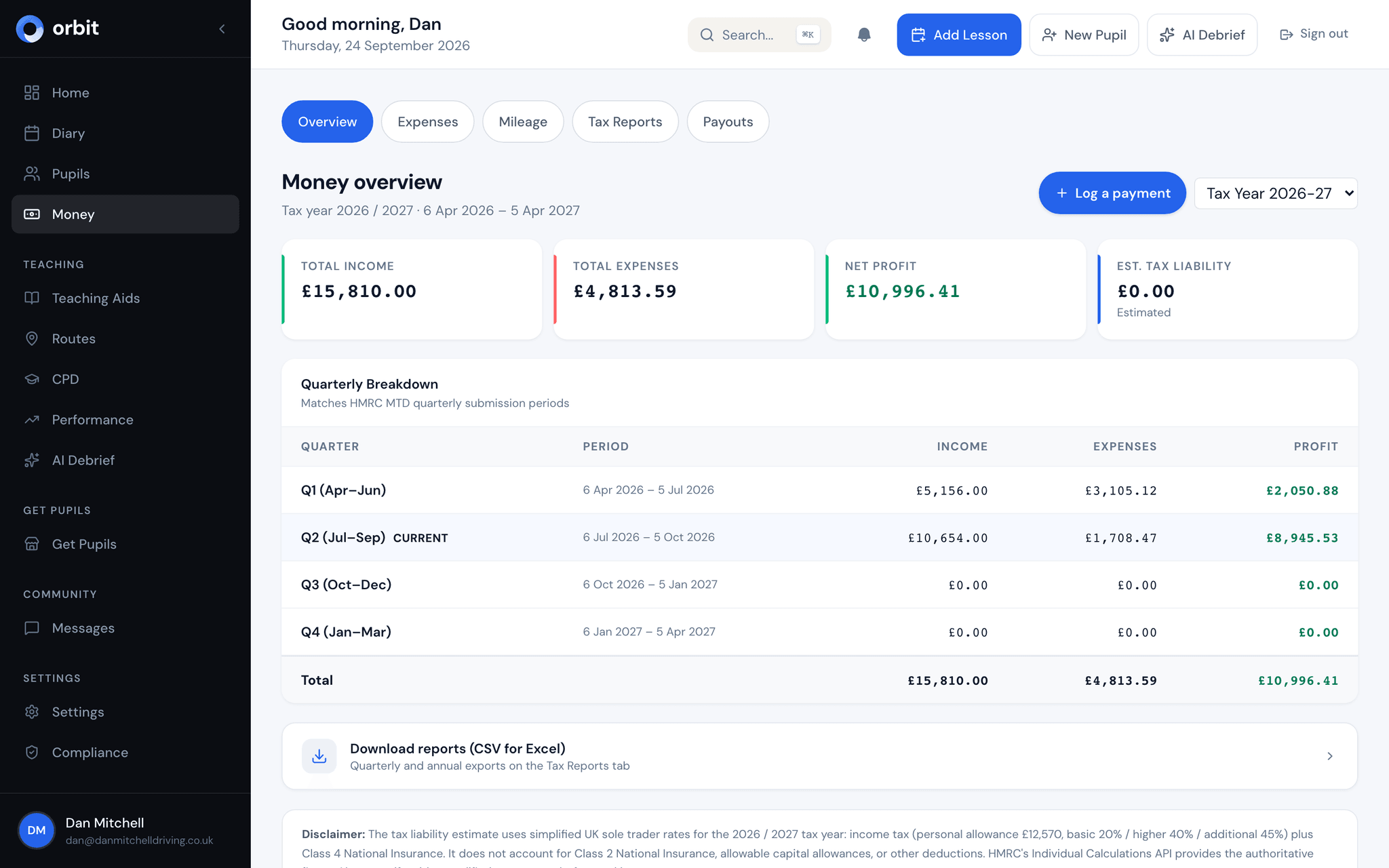
Key benefits
Automatic income recording
Every lesson payment collected through Stripe is recorded automatically. No manual entry, no chasing bank statements. Your income is always up to date.
Expense tracking with categories
Log fuel, insurance, maintenance, phone bills, and more. Expenses are organised into HMRC-compliant categories so your records are always filing-ready.
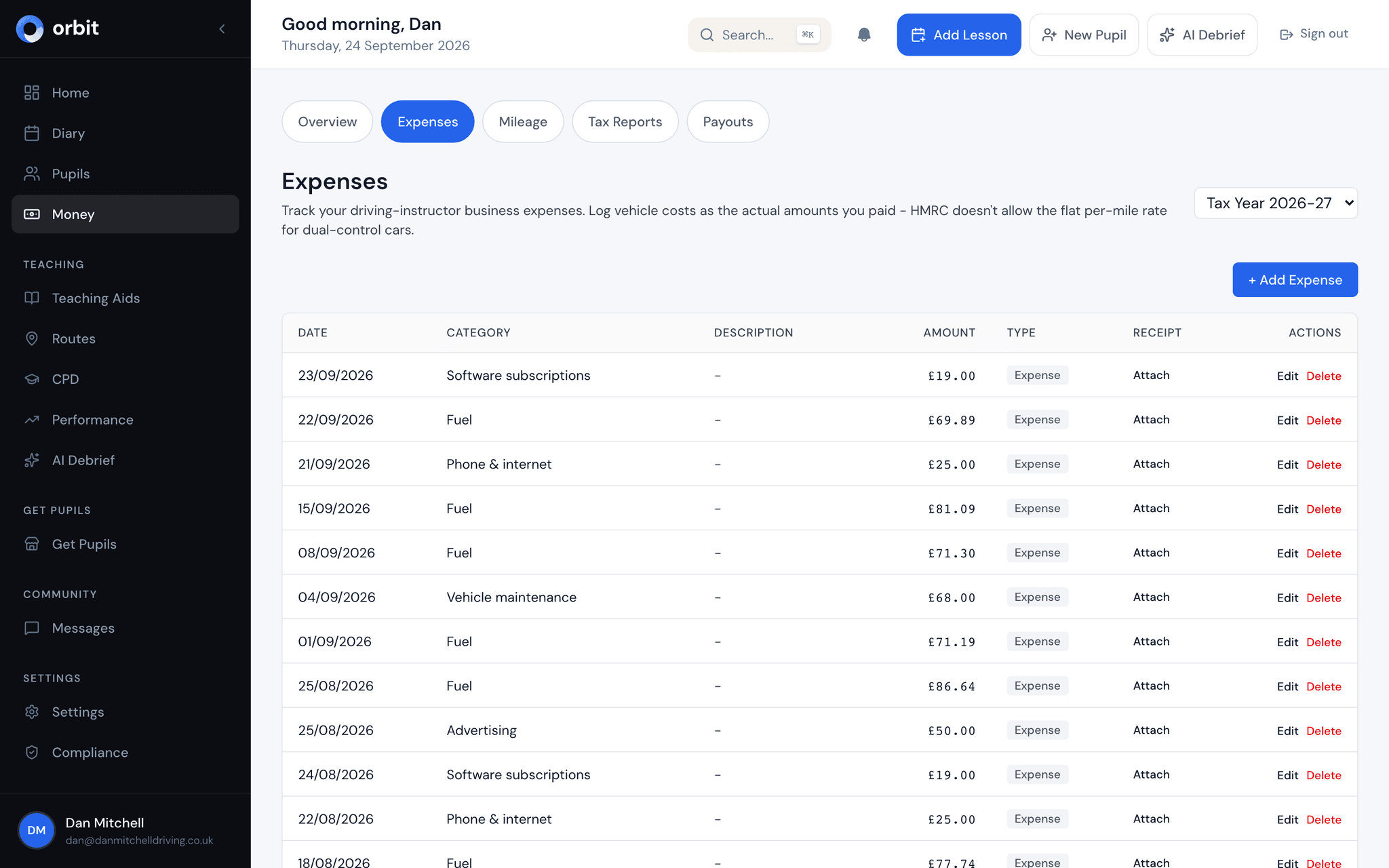
Mileage logging
Log business miles against the lessons in your diary for a complete audit trail. HMRC's flat mileage rate doesn't cover dual-control cars, so vehicle running costs go in as actual expenses.
Revenue trends and reports
See your earnings by week, month, or year. Spot trends, compare periods, and understand exactly how your business is performing over time.
Profit & loss at a glance
A clear view of income minus expenses. Know your actual profit - not just your turnover - without waiting for an accountant to tell you.
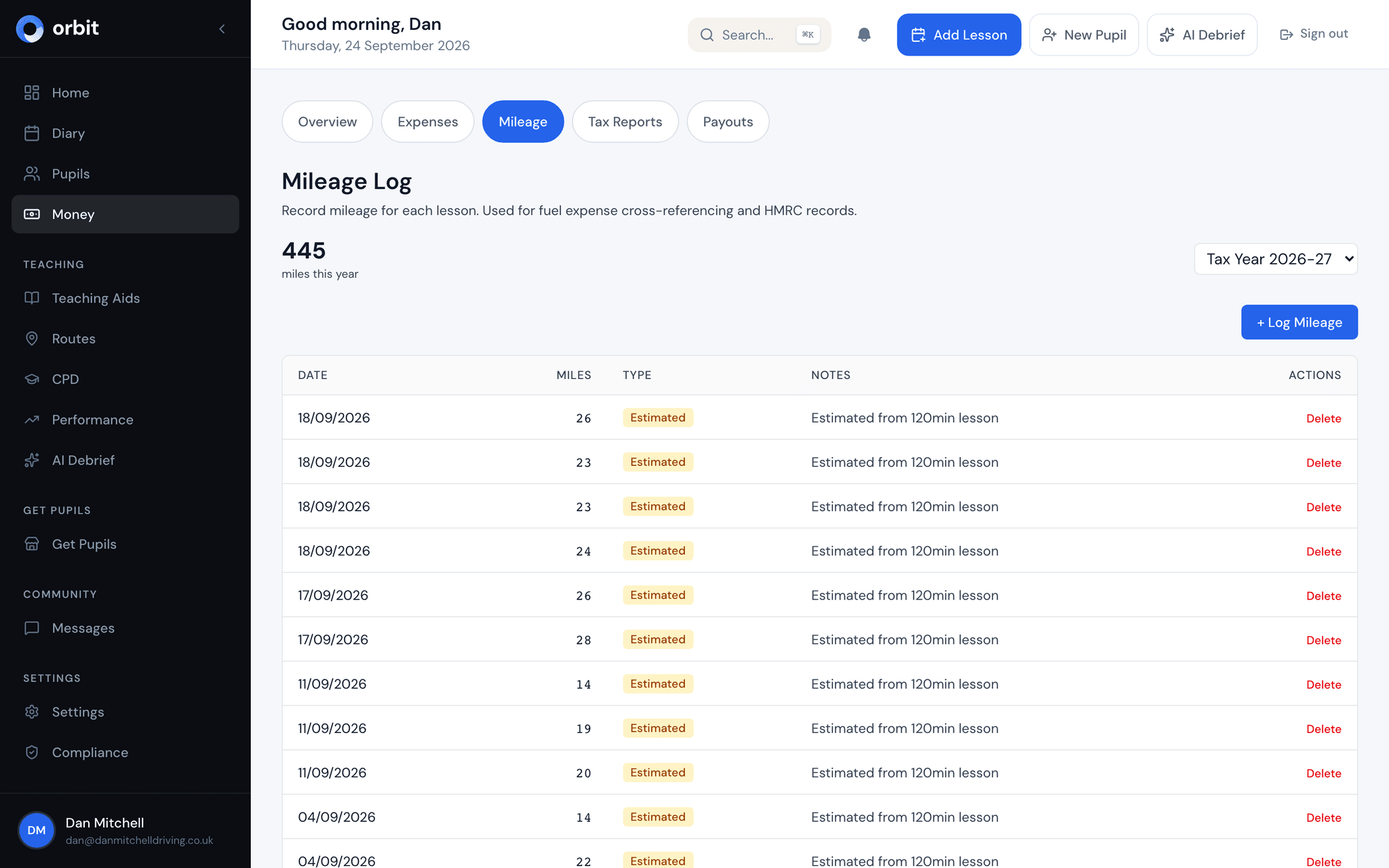
Tax-ready summaries
Monthly, quarterly, and tax year summaries compiled automatically. Your income and expenses total into your Making Tax Digital quarterly figures, with no re-keying required.
Income that tracks itself
Every time a pupil pays for a lesson through Stripe, the income is recorded automatically in your accounts. No manual entry, no reconciling bank statements at the end of the month. Cash and bank transfer payments can be logged manually in seconds. Your revenue reports update in real time, so you always know where you stand.
- Stripe payments recorded automatically as they happen
- Manual entry for cash and bank transfer payments
- Weekly, monthly, and yearly revenue breakdowns
- Income categorised and ready for your tax return
Expenses and mileage, without the shoebox
Log expenses as they happen - fuel, insurance, car maintenance, phone, training, and more, plus your business mileage against each lesson. Every expense is categorised and dated, so when filing time comes, your records are already complete. No more end-of-year panic.
- Pre-built categories aligned with HMRC self-employment classifications
- Mileage logging and actual vehicle-cost tracking
- Mileage linked to individual lessons in your diary
- All expenses dated, categorised, and audit-ready
Reports that feed straight into your tax return
Orbit produces monthly and quarterly financial summaries automatically. See your profit and loss, review expense breakdowns by category, and check your tax year totals at any time. When it's time for your Making Tax Digital quarterly submission, the numbers are already there - reviewed, categorised, and formatted for HMRC. Export your data whenever you need it.
- Monthly and quarterly profit & loss summaries
- Expense breakdown by category for any date range
- Tax year summary aligned with HMRC periods
- Export capabilities for accountants or your own records